
Meccano Micronoid Review: Red Socket vs Blue Basher One Question, One Answer
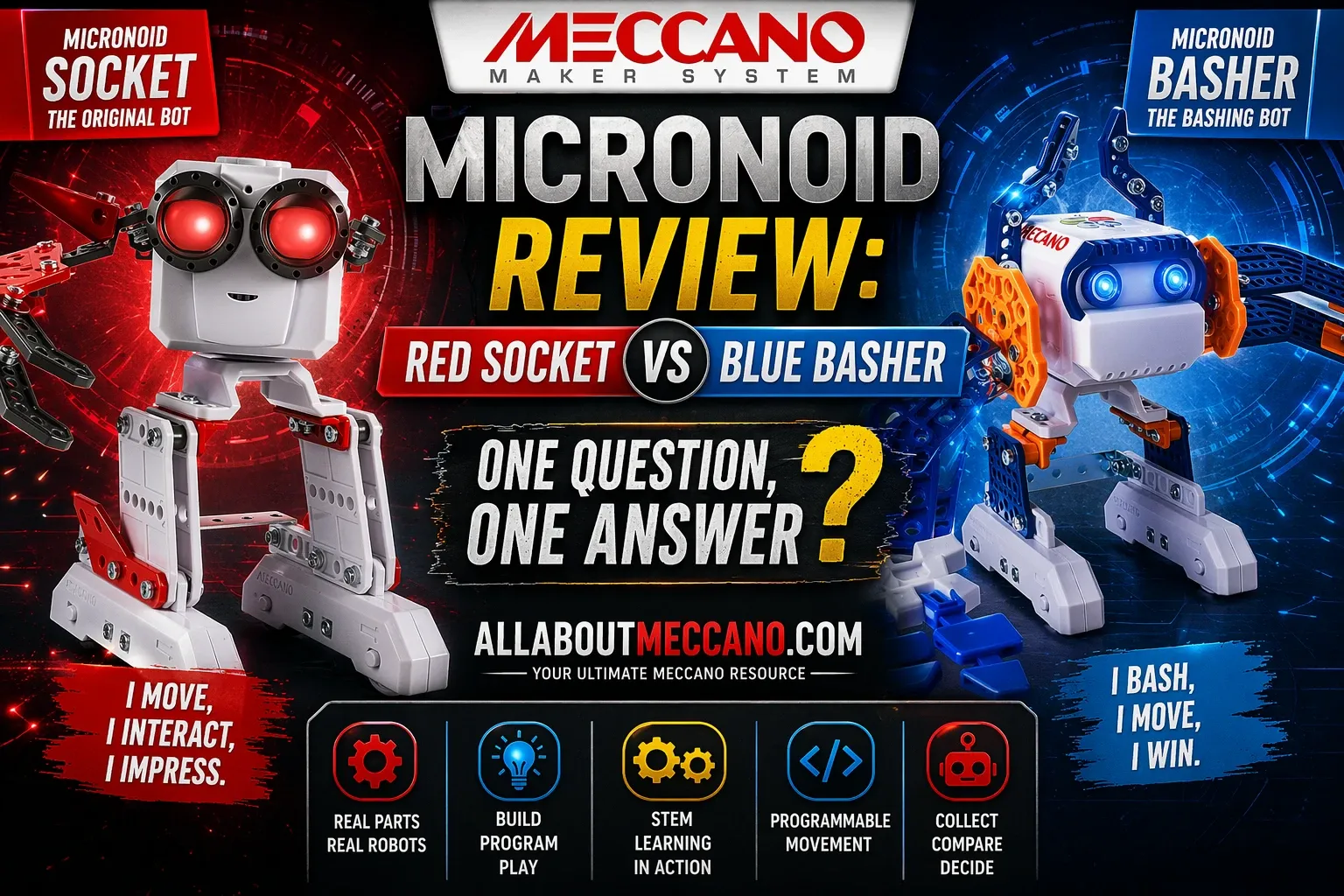
Meccano Micronoid: Red Socket vs Blue Basher Which Robot Should You Build? · Ages 8+ · Honest Comparison
Two Meccano programmable robot building kits from the Meccano STEM construction range. Same functions. Different personalities. Red Socket has 123 parts, Blue Basher has 139. Both walk, talk, dance, answer questions and interact with each other. So which one should you actually build? This page gives you the honest answer.
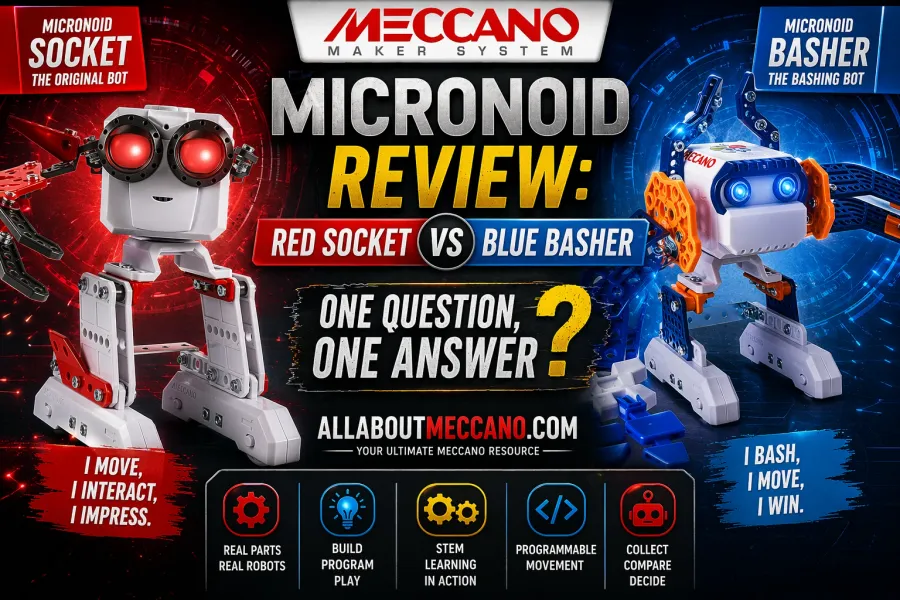
This Meccano Micronoid comparison helps you choose between Red Socket and Blue Basher based on movement style, interactivity and programmable features.
Red Socket and Blue Basher are the same robot with different colours and a slightly different part count. Socket has 123 parts, Basher has 139. Both perform identical functions. The only real reason to choose one over the other is which colour you prefer or which has the better price on the day you buy. If you want both robots together, they interact with each other which is where the real fun starts.
1 Side by Side Comparison All differences
| Feature | Red Socket | Blue Basher |
|---|---|---|
| Part count | 123 parts | 139 parts |
| Colour | Red, white and grey | Blue and grey |
| Build time | 1.5 to 2 hours | 1 to 1.5 hours |
| Motor | 1 motorized micro module | 1 motorized micro module |
| Tools included | 2 hand tools | 2 hand tools |
| Batteries | 4 AAA, not included | 4 AAA, not included |
| Age | 8 and up | 8 and up |
| 8-Ball mode | Yes - answers yes/no questions | Yes - answers yes/no questions |
| Dance mode | Yes - dances to music | Yes - dances to music |
| Autonomous mode | Yes - walks, talks, whistles | Yes - walks, talks, whistles |
| Voice recording | Yes - robot voice playback | Yes - robot voice playback |
| L.I.M. programming | Yes - record movement sequences | Yes - record movement sequences |
| Robot interaction | Yes - reacts to other Micronoids | Yes - reacts to other Micronoids |
Decision clear?
Both robots perform identically. Pick your colour and check the price.
Seen enough?
Check both prices on Amazon - they change regularly.
2 Same Robot, Different Look
The most important thing to understand about the Meccano Micronoid range is that Red Socket and Blue Basher are functionally identical. Every play mode, every programming feature, every interaction capability is the same across both robots. Choosing between them comes down almost entirely to colour preference and price on the day you buy.
Both robots use the same Meccano-style construction system - plastic parts connected with metal nuts and bolts using the two included hand tools. The finished robot stands approximately 18 cm tall, fits in the palm of an adult's hand, and walks by rolling on wheels hidden inside its feet rather than walking on articulated legs. The head rotates independently of the body.
The official Meccano website confirms that all three Micronoids - Socket, Basher, and the third robot Switch - perform identical functions. The product description for each is virtually word for word the same. This is not a case where one robot has features the other lacks. They are the same product in different colours with slightly different styling details. For context on what programmable robot kits contribute to STEM learning, the National Science Foundation has documented how hands-on construction and programming toys develop problem-solving and engineering thinking in children.
3 How the Programming Actually Works L.I.M.
The programming system is called L.I.M. - Learned Intelligent Movement. It works through buttons on top of the robot's head. You press record, then press the movement buttons (forward, left turn, right turn) in any sequence. Press play and the robot performs that sequence. If you speak into the robot while recording, it captures your voice and plays it back in a robotic tone.
The movement itself is jerky rather than smooth - this is a known characteristic of all Micronoids and worth setting expectations around. The robots move in short bursts rather than flowing motion. With practice you can get precise sequences, but there is a learning curve to understanding how far each button press actually moves the robot.
Three play modes cover different types of interaction:
- 8-Ball mode - ask a yes or no question out loud, the Micronoid responds with an answer in its own voice. Responses include "Oh yeah!", "No, no, no" and various uncertain answers. Children find this genuinely amusing.
- Dance mode - play music near the robot and it dances to the beat. Leave it long enough in this mode and it starts playing its own music and dancing regardless.
- Autonomous mode - the robot does whatever it wants. It wanders around, whistles, laughs, passes wind, and turns its head at random. This mode has the most personality.
When two Micronoids are placed near each other, they detect each other and begin interacting - moving toward each other, dancing in sync, and making sounds that respond to the other robot. This is the feature that makes owning both genuinely worthwhile rather than just collecting both colours.
For more on how Meccano handles motors and programming across the range, see our MeccaSpider review which covers a more advanced Meccano robotics build.
4 The Build Experience
Both Micronoids use plastic Meccano parts connected with metal nuts and bolts. The build is more fiddly than standard Meccano Junior sets and genuinely appropriate for ages 8 and up. Younger children will need adult help, particularly for the smaller connector pieces and the head mechanism.
Red Socket (123 parts) takes between 90 minutes and two hours for most builders. Blue Basher (139 parts) is reported to build slightly faster - around one to one and a half hours - despite having more parts, because the body panel design fits together more intuitively. This difference is minor and will vary by builder.
The instruction manual for both robots is clear and includes tips on how to use the programming system, which is helpful as the L.I.M. movement system has a learning curve. The included tools - a small screwdriver and spanner - are the only tools needed. No additional equipment is required.
The finished robot is surprisingly solid for its size. The plastic parts are not flimsy and the metal fasteners hold well with normal use. The motor is strong and the wheels underneath the feet create stable movement on smooth floors. Carpet can affect movement significantly - these robots work best on hard floors.
Ready to choose?
Check current Amazon prices for both robots before buying.
- You prefer red or warm colours
- Socket is cheaper on the day you buy
- You want the slightly longer build session
- You prefer blue or cool colours
- Basher is cheaper on the day you buy
- You want to get to the play phase faster
⚙ Best choice: Buy both
The robot interaction feature when two Micronoids are together is genuinely the best part of the experience. They detect each other, move toward each other, and dance in sync. If budget allows, both together is where the real fun is.
5 Full Comparison Overview Infographic
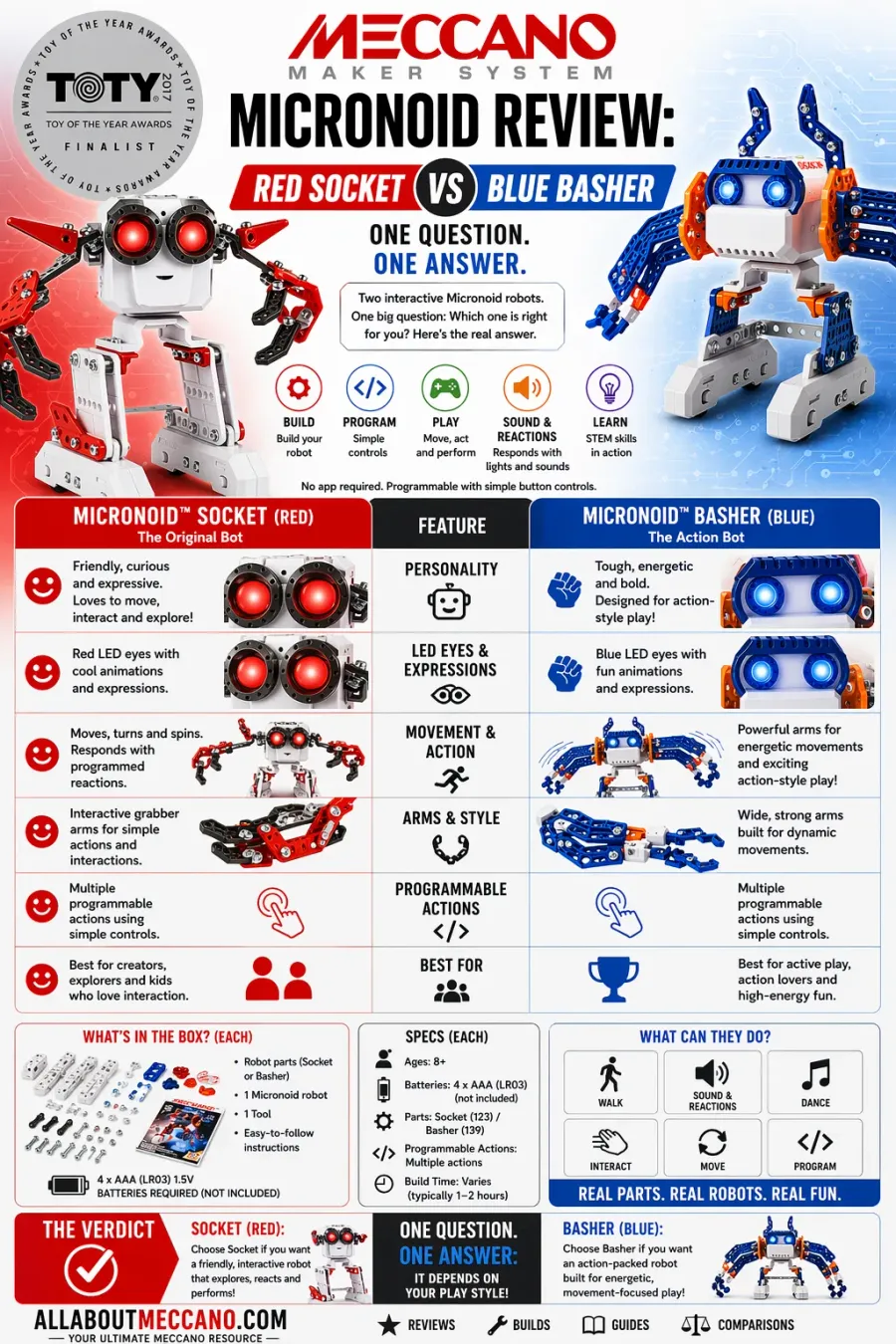
Detailed infographic of Meccano Micronoid robots comparing features, build specs, movement and programmable actions
This infographic explains the differences between Meccano Micronoid Red Socket and Blue Basher including build difficulty, programmable actions and interactive movement.
6 If This Is Not the Right Set
If you want a more advanced motorized Meccano build, the MeccaSpider is the next step up - articulated legs, sensors, and programmable behavior in a larger, more complex build.
If the robotics angle is less important and you want a classic motorized construction set with more build variety, the Super Construction 25-in-1 gives you 25 different motorized builds from 600 metal parts.
For a full breakdown of where the Micronoids sit within the Meccano range by age and difficulty, see our Meccano buying guide. If you are comparing this against other programmable robot kits on the market, our mechanical engineering kits overview covers the wider context.
7 See the Micronoid in Action
This video shows the Micronoid being built and played with - a useful reference for understanding the build steps, the programming system, and what to expect from the finished robot in each play mode.
? Frequently Asked Questions
⚙ Build Your Micronoid
Same functions · Different colours · 4 play modes · Voice recording · Robot interaction · Ages 8+
As an Amazon Associate we earn from qualifying purchases.